Welcome to my website !
Hello, I am Max-Martin Sherie, a full stack gameplay programmer specializing in 3C systems, crossplay infrastructure, and shader development.
I have always been passionate about video games and technology, which led me to build a career spanning AAA production at Ubisoft, indie studio co-founding, and university-level teaching. Along the way I picked up a broad set of skills across C++, C#, TypeScript, Python, and worked across Unity, Unreal, and custom engines.
I also studied shaders and 3D art to move fast through the prototyping phase. When I'm not working I enjoy team-based sports and playing video games.
Below you will find projects I have worked on, both professional and personal. Anything from my current positions is under NDA.
Contact Info :
E-mail : maxmartinsherie@gmail.com
Mobile phone (France) : +33 7 83 96 82 73
Discord : Usetheforcemax#7102
Linkedin : Max-Martin Sherie
Experience
Co-Founder & Lead Programmer — DontGiveUp Interactive 2024 – Present
I co-founded DontGiveUp Interactive, a remote-first indie studio currently building Ballshot Arena, a crossplay competitive sports game for Mobile, PC, and Steam Deck.
On the technical side I designed and implemented all core 3C systems, the crossplay networking infrastructure, and the cloud save systems in Unity. I also authored the asset integration and technical art pipelines that let a distributed team work without stepping on each other.
On the production side I built the team, set up the agile workflows, and manage the full development cycle from pre-production through active development.
Advanced Gameplay Programming Professor — LISAA Bordeaux 2025 – Present
I design and deliver an advanced Unity programming curriculum for final-year game development students, targeting professional industry standards.
Beyond the curriculum I mentor students through their end-of-year shipped projects and portfolio development, covering gameplay architecture, optimization, and the kind of practical problem-solving that doesn't show up in textbooks.
Game Development Instructor — Freelance 2023 – Present
I work with a client base of seven, providing tailored one-on-one instruction across the full stack of game development, from Python fundamentals all the way through to full 3D Unity production.
One of the more interesting projects: I guided a blind student through building a custom sound-based engine with integrated 2D graphics, which meant rethinking Unity's architecture around entirely non-visual interaction design.
Freelance Gameplay Programmer — ScreenJuice Oct – Dec 2025
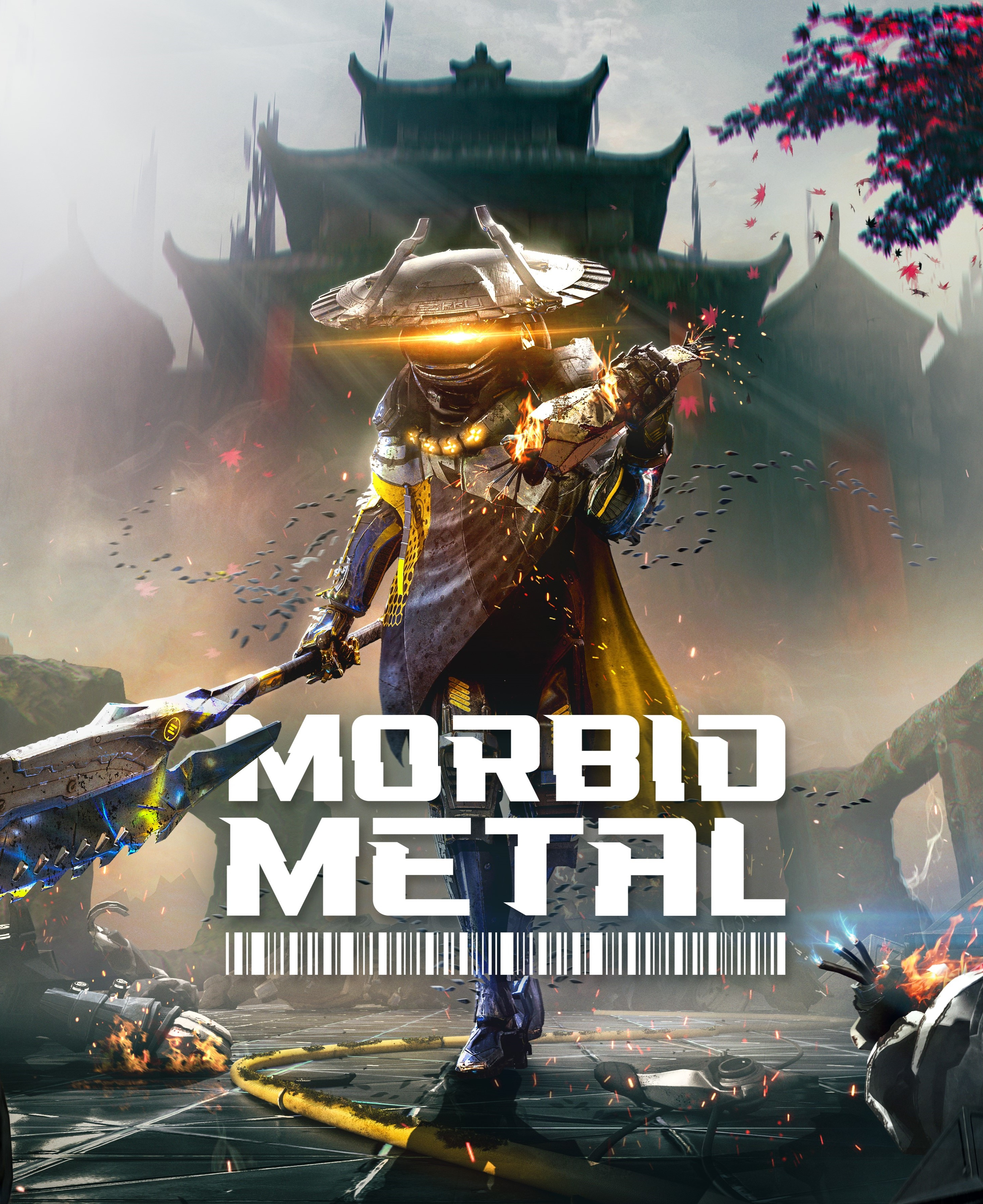
Two-month contract on Morbid Metal (shipped). I came on to overhaul boss fight mechanics and push through a backlog of critical bugs during live playtest conditions, the kind of work where you're fixing and iterating in real time while players are in the build.
I also integrated the Steam and Discord SDKs (social features, rich presence) and developed and tuned several character control and combat mechanics from design spec to final feel.
Gameplay Programmer — Ubisoft Montpellier Jul 2022 – Feb 2024
My first industry role out of school, working on two successive projects at the same studio.
I started on an unannounced Rabbids mobile project, working full-stack: a complex multi-tier currency equivalency system (Euro to Hard/Soft currency), two arcade mini-games I built independently, and a collaboration with an economy designer to build the frontend and proceduralized backend of an in-game shop, all in C# and TypeScript.
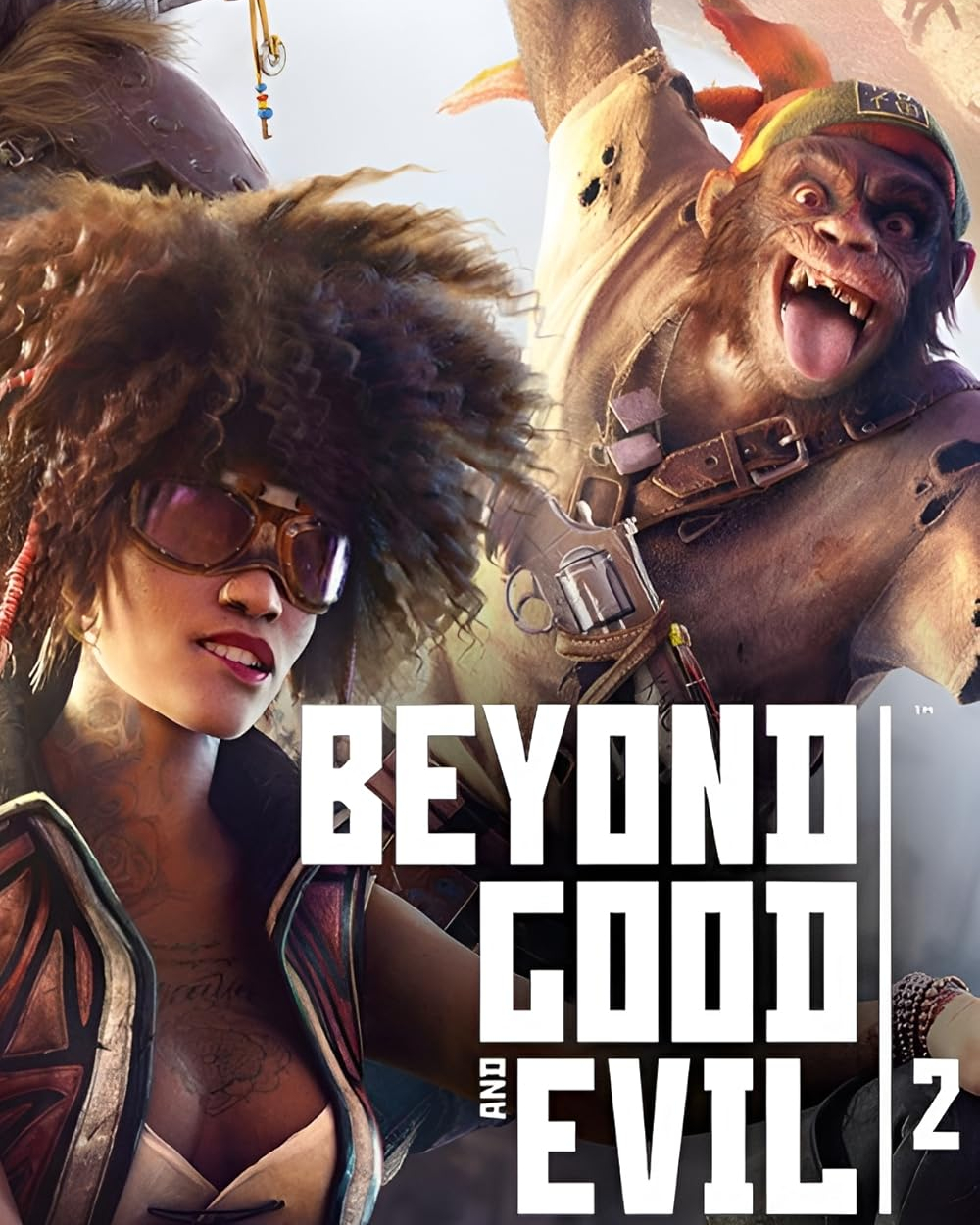
I then moved to Beyond Good & Evil 2 where I produced gameplay elements from scratch in C++ and nodal scripting, and built and owned the asset integration pipeline for everything I produced, including models, rigs, shaders, and animations. I also spent time helping debug the engine's experimental tooling.
ESMA Toulouse 2019 – 2022
I started out making 2D games in JavaScript and HTML, which is where I got my footing in object-oriented programming. Second year moved into Unity and C#, culminating in a two-month solo project where I was the sole developer. By the third year I was leading a team of seven over eight months on Makina, a cross-platform PC vs VR asymmetric multiplayer game set in an open world city.
On Makina I engineered a custom network bridge linking two separate Unity projects by reworking the Mirror networking library, handled all PC player mechanics, built a procedural facade placement tool to populate the city, and wrote a custom HLSL lit shader that simulates pen-drawing shading. The project won the Student Project Award at the Montpellier Stream Show and was presented at Paris Games Week two consecutive years, TGS Montpellier, and the Influencer Conference in Toulouse.
Skills
Languages :
• C++
• C#
• TypeScript
• JavaScript
• Python
Engines & Tools :
• Unity
• Unreal Engine
• Custom Engines
• Git
• Perforce
• Jira
• Confluence
Specialties :
• 3C Systems
• Crossplay Networking
• Economy & Backend
• Shader Optimization
• Steam SDK
• Discord SDK
Soft Skills
• Team Leadership
• Curriculum Design
• Technical Mentoring
• Production Management
Character Controller Study - Github
For this project I set out to make a highly customizable character controller for Unity 2020.3 to fully understand the various ways to handle movement in a first person game.
Further down the line I hope to make the character controller work in third person to then move on and to experiment with more specific and niche movement mechanics.
This is still an unfinished project that I am working on in between classes to push forward my passion for character interactions in video games.
Demo
ZQSD or WASD to move
SHIFT to sprint
ESCAPE to show cursor
To get the full experience and to play around with the values you can download the project on Github
Acceleration and Deceleration
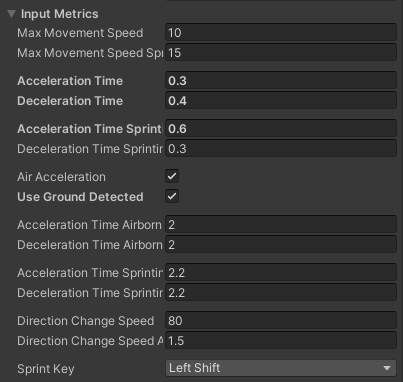
This character controller's acceleration works through four different states : idle, accelerating, sustaining, and decelerating.
The speed at which these states will be treated also differs depending on the character's grounded states : grounded, mid air, or sliding.
All of these accelerations depend on user defined times to accomplish (the time it will take the character controller to accomplish what it is doing i.e. accelerating or decelerating).
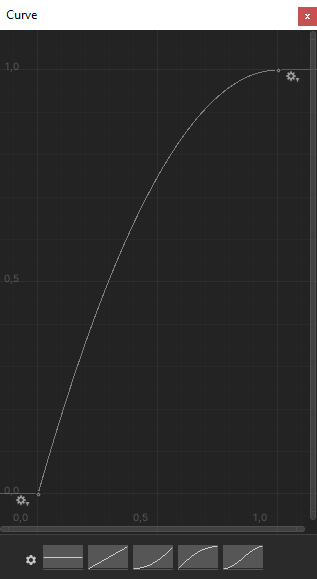
These metrics are then applied to user defined curves to define how the character controller will handle the states of acceleration.
These curves are customizable so that the user can design the game feel of the character controller so that it may pander to the desired experience for the game.
For example, if you want a snappy first person shooter experience you would make the curve accelerate very quickly at first then have a slower rate of acceleration towards the end.
Alternatively, for a walking simulator or a horror game you would invert the previous curve to give the character controller a more unsettling and unsure feel.
Roadmap
✅ Input detection
✅ Simple movement
✅ State-based acceleration
✅ Acceleration and deceleration curves
✅ Camera Smoothing
✅ Jump & gravity
✅ Slope & slide handling
✅ Sprint
✅ Air control
✅ Edge safety
✅ Jump tolerance
❌ Counter strafing
❌ Crouch
❌ Third person camera
❌ Camera transitions
❌ Third person animation
Custom Lighting in Unity
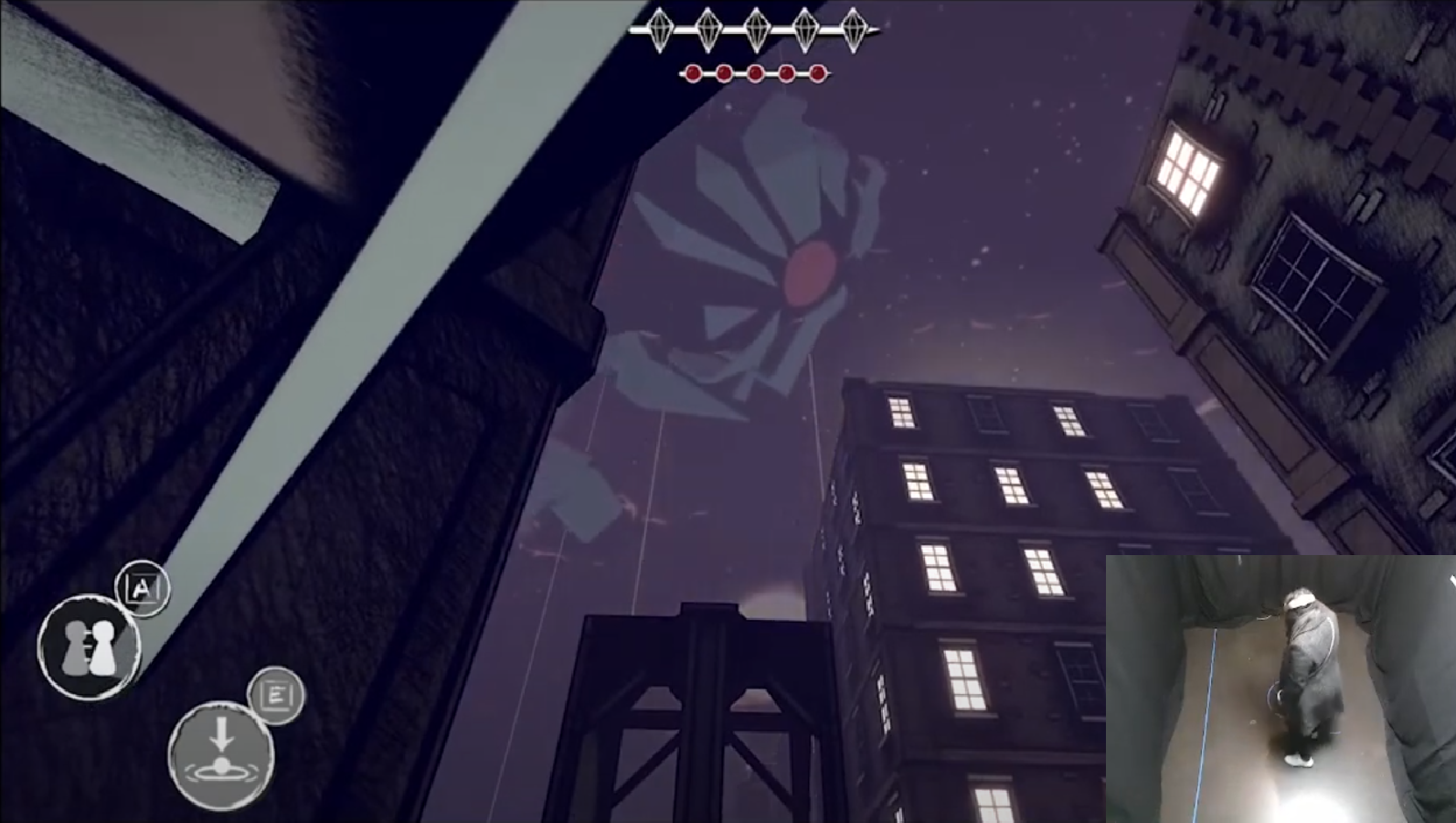
My end of 3rd year project : Makina needed a custom lit master material where the shading would imitate that of a pen drawing to add a creepy/oppressive atmosphere.
I set out to make this shader in urp using hlsl coded custom nodes for the shader graph.
This shader will also be responsive to the player's circumstances.
Getting the Luminence
Through the use of hlsl I was able to make a custom node for the Unity shader-graph that would fetch the color values of each lit pixel.
Using different vectorial equations I was able to get the radiance, the diffuse, and the specular values.
I then cross referenced the result of these values with the relative luminence equation to get the luminence (level of light) of each pixel.
Setting up the Custom Shading
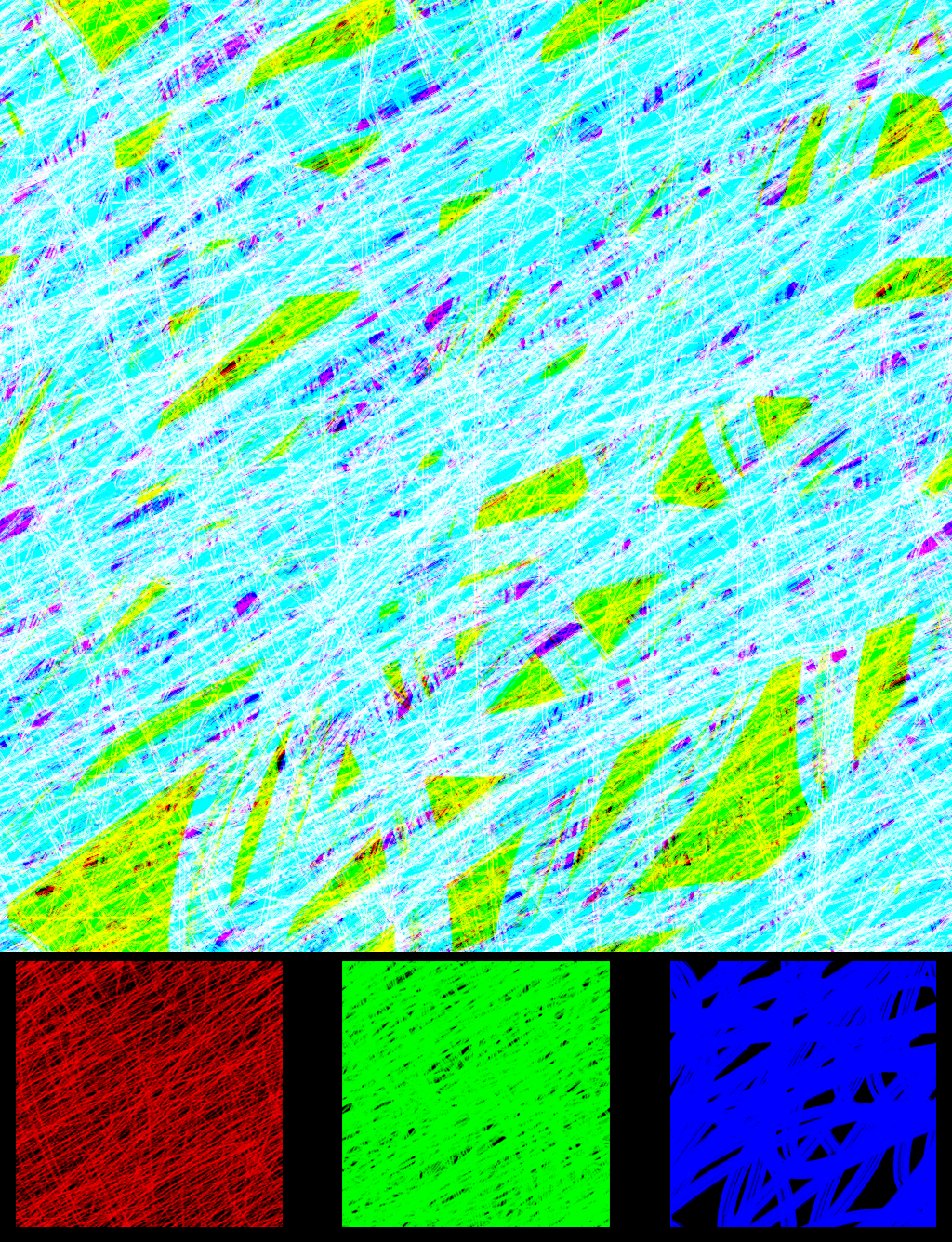
Having fetched the level of luminence, I then created threee tilling scribble patterns that, when pilled on top of each other, generate an RGB map.
As the level of luminence descends over distance the rgb layers will smoothly appear as shading patterns to create a gradient effect.
I have found through experimentation that using a thinner brush for the first shading layer and then larger ones as the luminence level descends really sells this hand drawn shading style that we were going for.
The master material I generated based on this logic is also compatible with RGB map-based texturing.
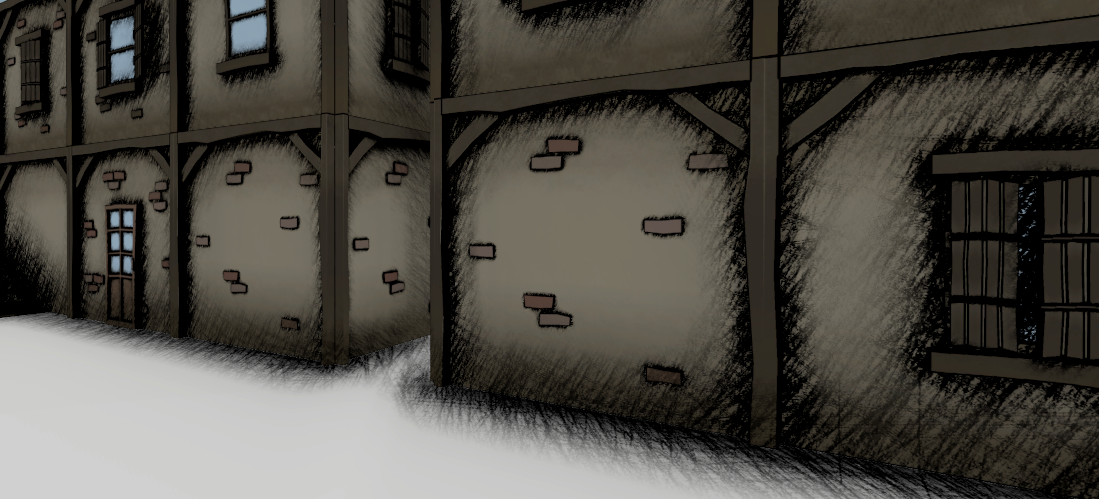
An in game view of a scene using the custom lit master material
Procedural Building Tool
My end of 3rd year project also required the creation of an open world city which would take a lot of time for the integrators to put into place.
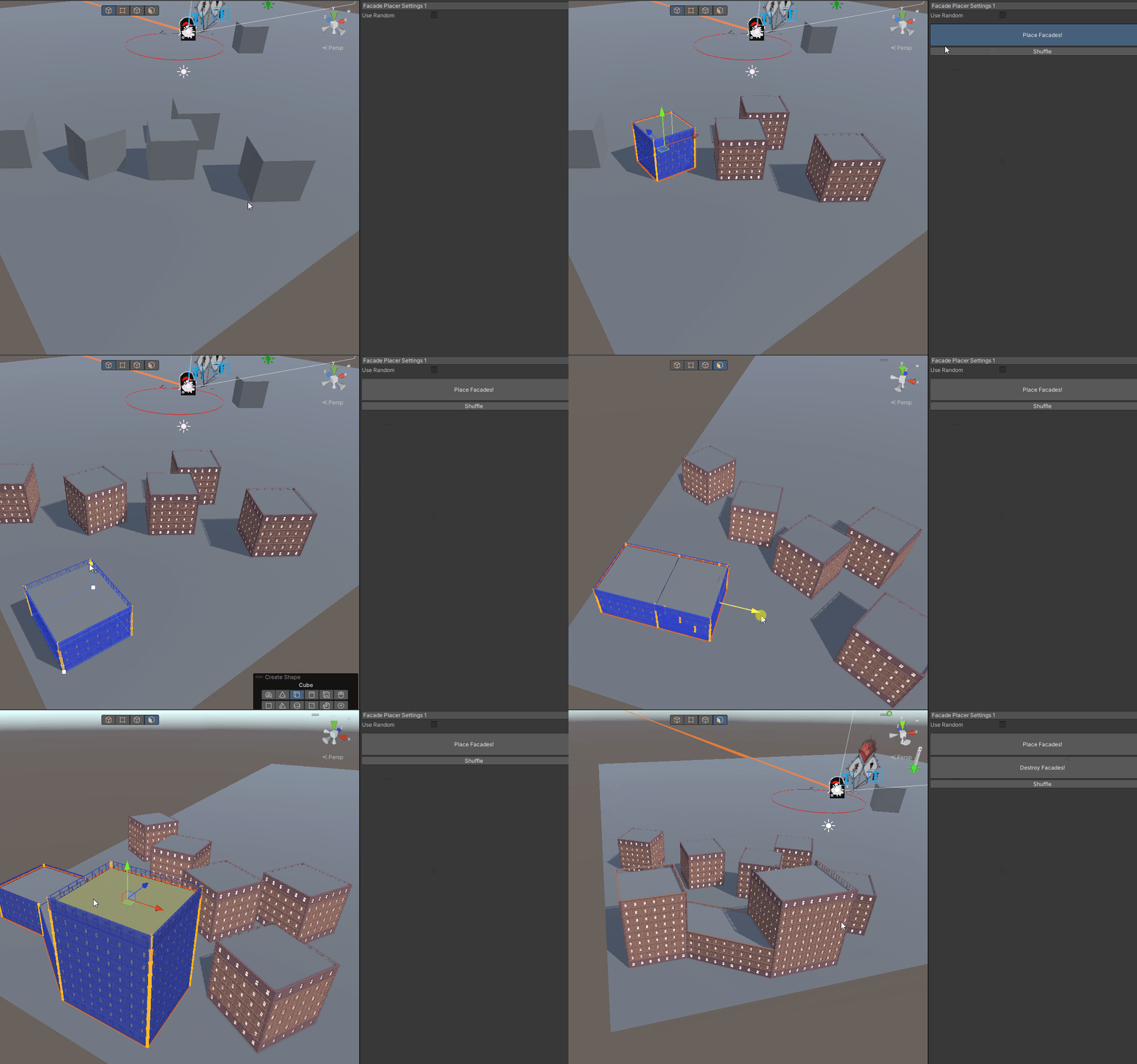
This is why I set out to create a procedural facade placer tool for Unity where the user would simply have to place primitive shapes of buildings that will then be automatically covered in facades.
The system works by navigating the mesh horizontally based on the height of a facade element and dividing it into floors. These floors are then split vertically based on the width of the facades to place them
with a slight horizontal rescale to fill in the gaps and to avoid overlap. Corner elements can also be placed to fill the gaps at the corners of each floor.
To accelerate the integration process even further I also made it compatible with Probuilder meshes.
Professional Projects
School Projects
Game Jams
And more coming soon...